Overview
What Protem is, who it is for, and when to use it.
Protem is a Kubernetes operator with a web UI that grants temporary Kubernetes roles. Someone requests a role for a few hours, an approver decides (or the profile grants it at once), and the access is removed on its own when the time is up. A hub cluster holds the rules and the requests as custom resources; an agent on each target cluster turns an approved request into an ordinary RoleBinding and removes it when it expires.
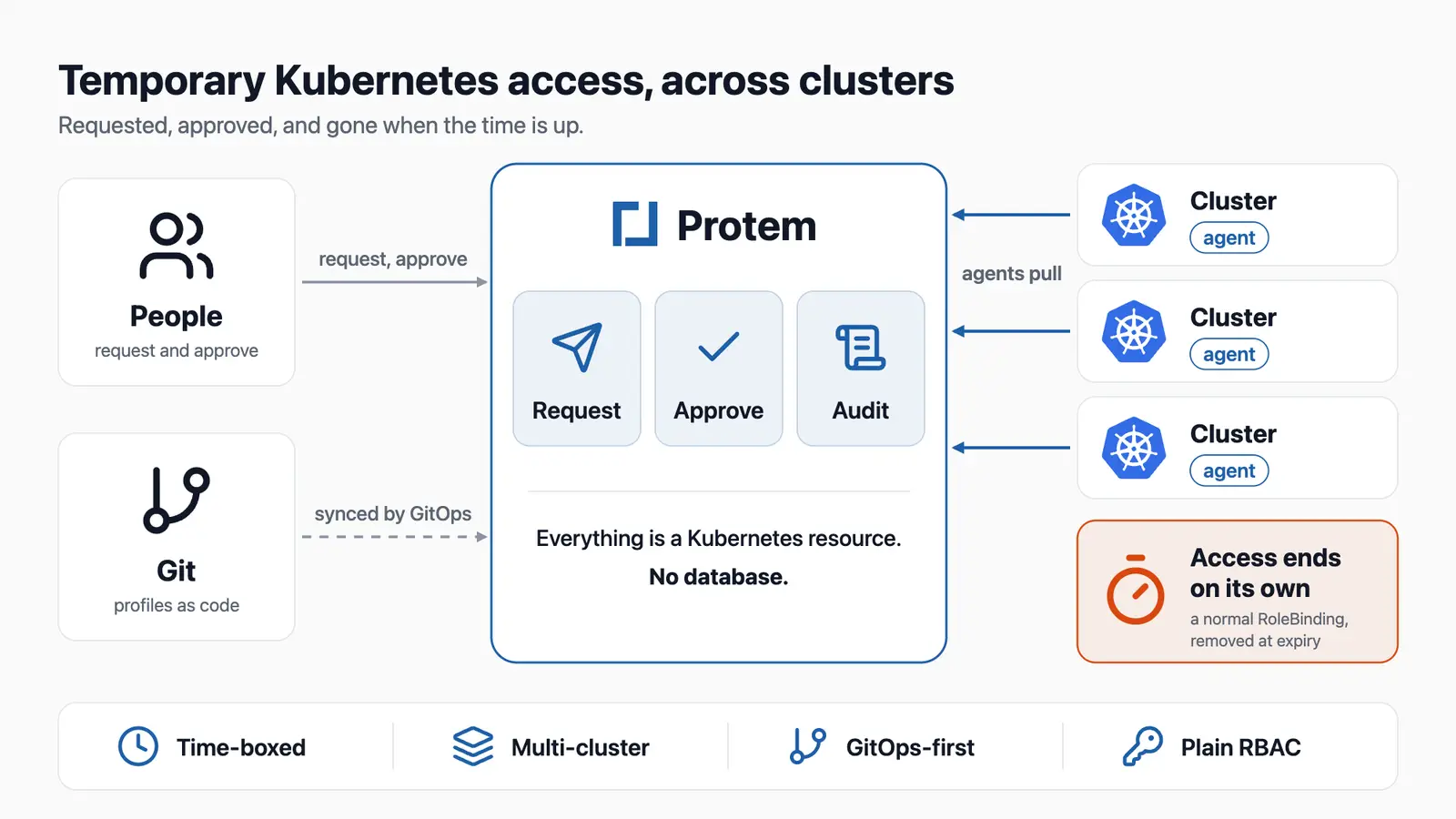
The problem it removes
Standing privileged access — someone holding cluster-admin or edit on a production cluster for months because they needed it once — is a liability that outlives the reason for it. The usual alternatives are a shared process nobody follows (a ticket, then a manual kubectl apply that nobody remembers to revert) or a broker that proxies and records every kubectl session. Protem does neither: it grants exactly the role a profile allows, for exactly as long as it says, as plain Kubernetes RBAC, and takes it away again without anyone having to remember.
Who it is for
Teams running more than one Kubernetes cluster who want a paper trail and a time limit on elevated access, without replacing RBAC with something else. It assumes the reader already knows Kubernetes RBAC — Roles, ClusterRoles, RoleBindings — and wants a system that requests, approves and expires them.
When not to use it
Protem is not a replacement for everyday RBAC: most people should hold the access their job needs, continuously, through ordinary RBAC. It is not a session broker — it does not proxy, record or replay kubectl sessions, and it cannot end a kubectl exec or port-forward that is already open. Use it for the exceptions: incident response and rare elevated tasks, not for the access someone needs every day.
Where to go next
- Getting started: your first request — a tutorial from a clone of the repository to a granted, approved and expired request.
- Concepts — the five resources Protem adds and how they relate.
- How to install the hub with Helm — installing on a real cluster.
- Architecture: how it works — the components and the path of one request.